PADEL 01 How to play padel in VR
How to play padel in VR and mixed reality on Meta Quest 3
Padel works surprisingly well in a headset: the walls are part of the game, the court is small and every rally is about timing. This guide shows how to set up PADEL 01 on Meta Quest 3 or 3S, how much space you really need and how to get through your first match.
What you need
- A Meta Quest 3 or Quest 3S. PADEL 01 is built for these two headsets.
- The game. PADEL 01 is free on the Meta Store.
- A clear play space. You move with your body, so clear furniture, lamps and anything at head height. Use the controller wrist strap: overheads such as the bandeja and the smash are full swings.
Step 1 · Pick the court size that fits your room
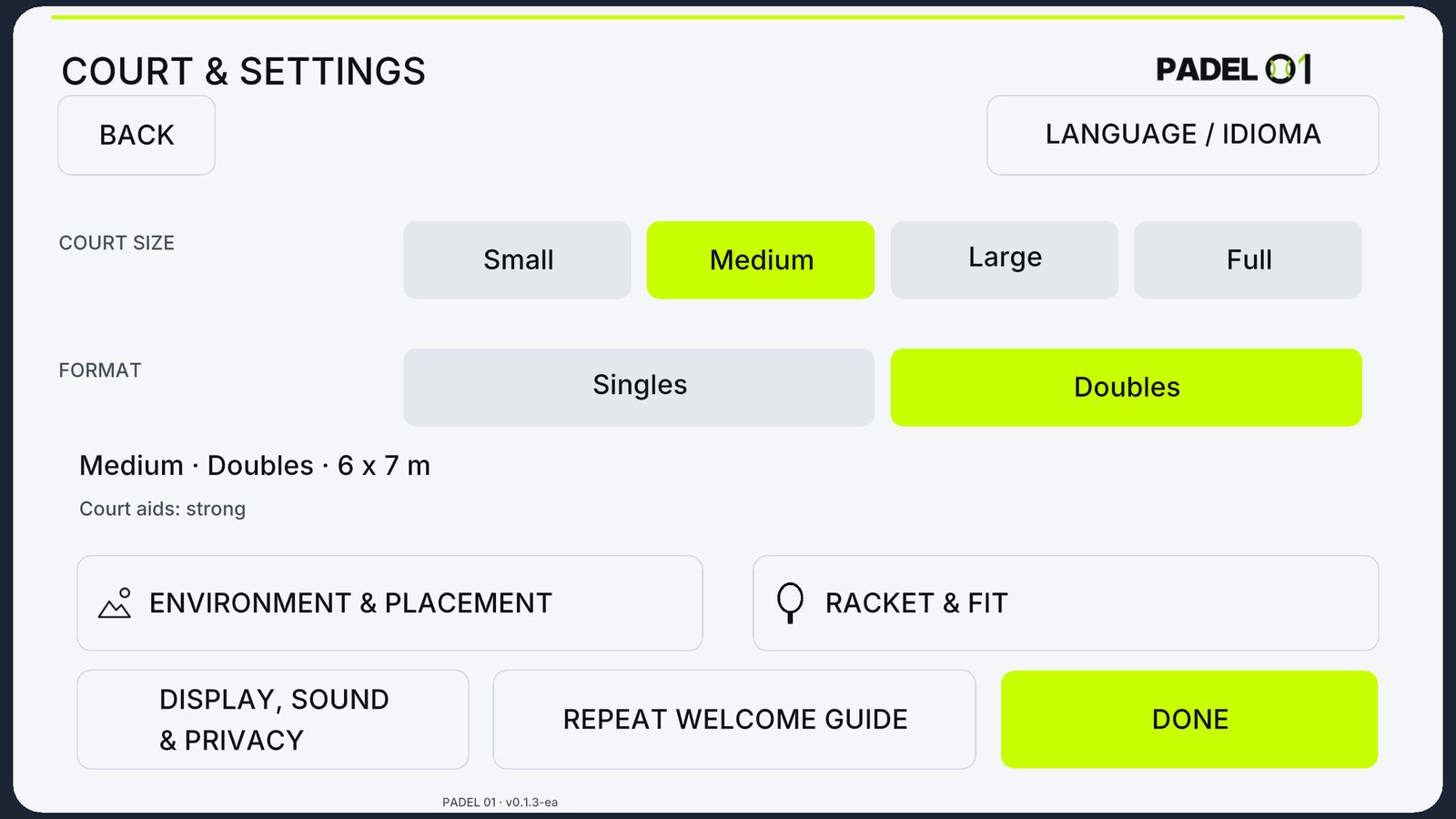
A real padel court is 10 × 20 m, which few living rooms can match. PADEL 01 offers four court sizes, from 2.4 × 7 m for small rooms up to the full 10 × 20 m court, with medium and large options in between. On smaller courts the game helps you more with positioning, so you can play a full point without walking through a wall. Start with the size that fits inside your Guardian boundary, not the one you wish you had.
Step 2 · Choose how you want to see the court
You can play in three ways:
- Passthrough (mixed reality): you see your own room and the court appears in it. It is the most comfortable way to start and you always know where the sofa is.
- Portal: a window into the virtual club opens in your room.
- Full VR: you are on court in the club, with glass walls around you. The most immersive option, best once you trust your play space.
Step 3 · Learn the walls first
The biggest difference between padel and tennis is the glass. In PADEL 01 the back wall, the side glass and the mesh all return the ball the way they do on a real court. Two habits make the first sessions easier:
- Let the ball come off the back wall. Step back, turn your shoulder and wait for the rebound instead of hitting it early.
- Hit with a short, controlled swing. Wild swings feel great in VR but send the ball into the glass. Control first, power later.
The 12 training drills are the fastest way to get used to this: start with Back wall and Rally.
Step 4 · Play your first match against bots
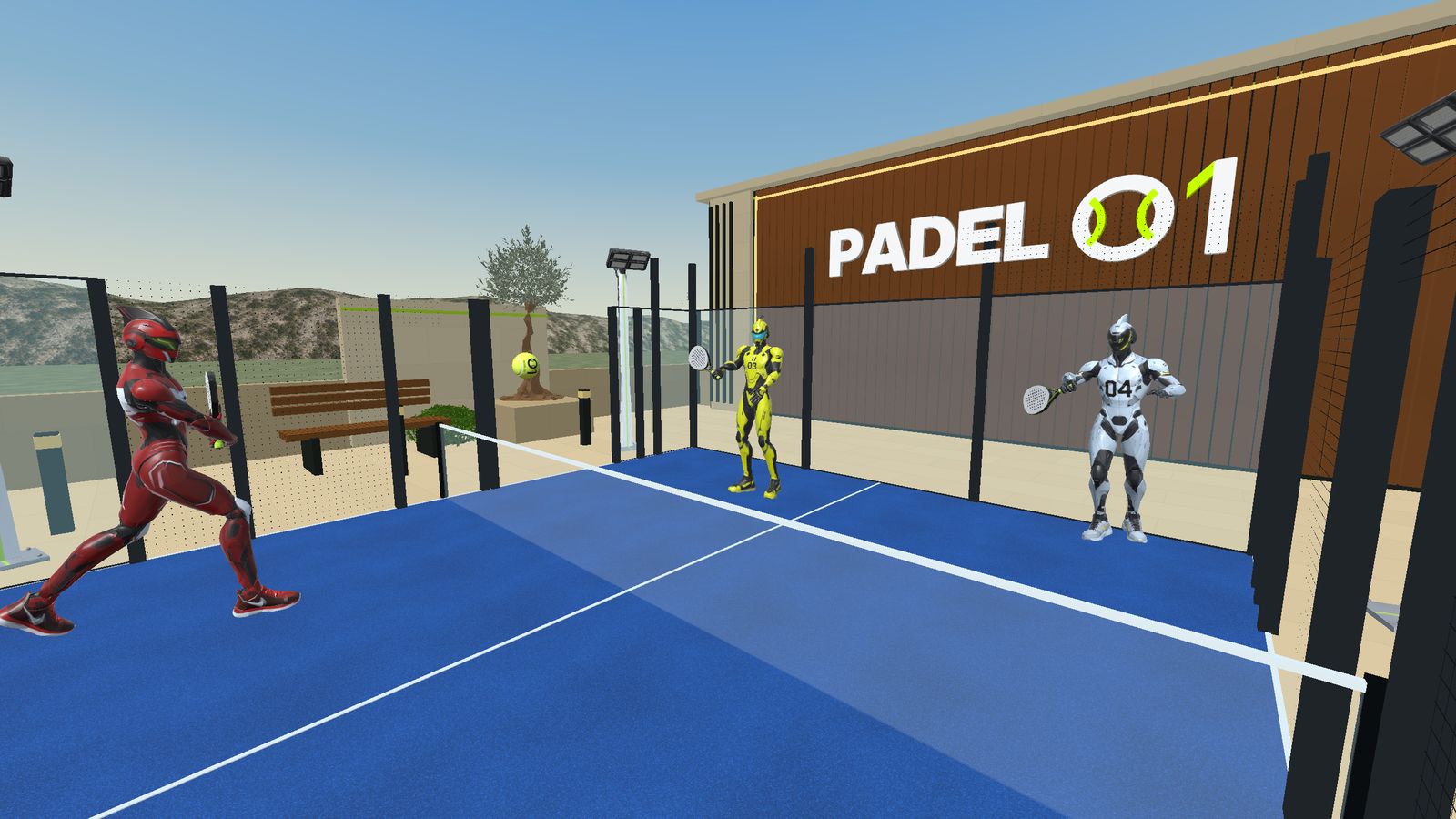
You can play singles or doubles. In doubles you partner with BOT 01 against two bots, which is the closest thing to a real padel match until online multiplayer arrives. There are three bot levels; start on the easiest one and move up when you win your rallies comfortably.
Step 5 · Track your progress
Your results feed the monthly drill ranking and the Bot League, and you can create a free player card on padel01.club to see your level, records and rankings and to find other players. Online matches with other people are in development; there is no release date yet, and we announce news first on Discord.
Comfort and safety tips
- Play short sessions at first (15–20 minutes) and take breaks.
- Check the ceiling height before practising overheads.
- Keep pets and people out of your play space.
- If you feel dizzy, switch to passthrough and stop for a while.
New: the official PADEL 01 adapter, in collaboration with SolidSlime. 15% off with the code PADEL01. See the adapter